
Digital Signage Templates
Start every sign from a ready-made multizone layout. Pick a template, change the words, pictures, and colors, and publish it to your screens in minutes.
Browse all templates
15 templates
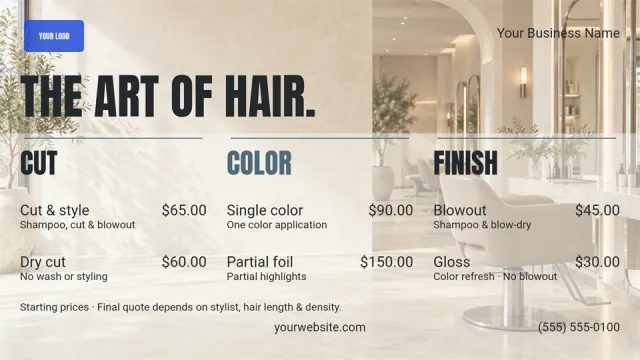 Beauty, salons & spasSalon Services Price List
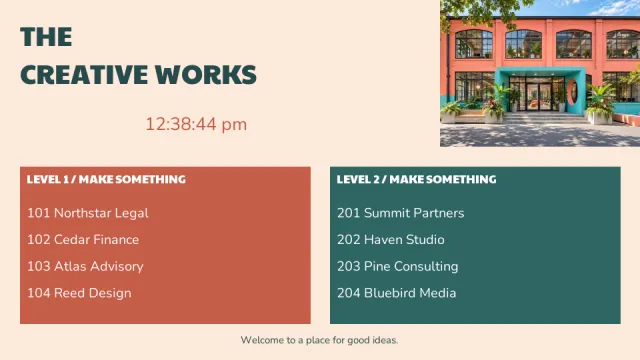 Building Directories & WayfindingCreative Studio Directory
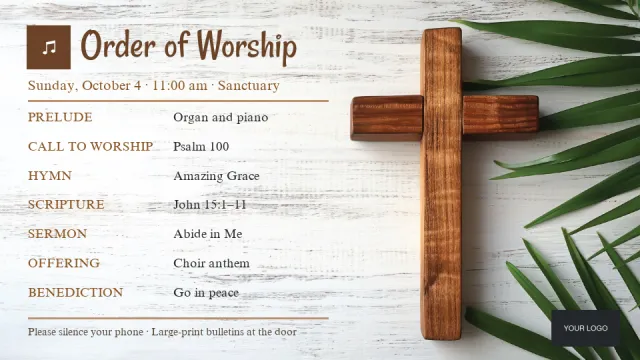 Churches & religious organizationsOrder of Worship
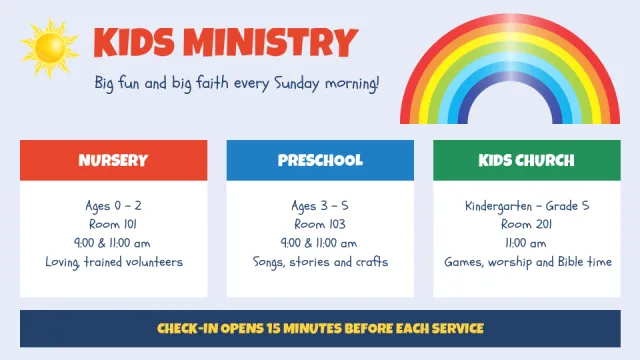 Churches & religious organizationsKids Ministry Schedule
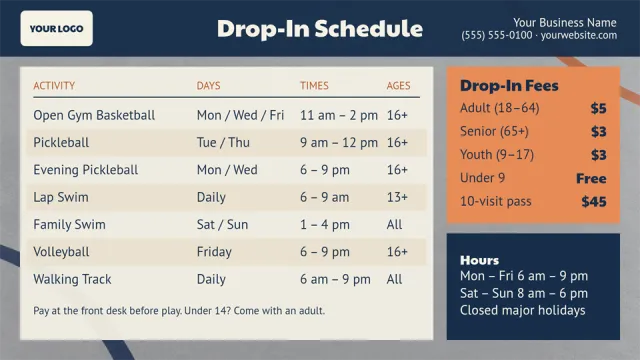 Fitness, sports & recreationRecreation Center Drop-In Schedule
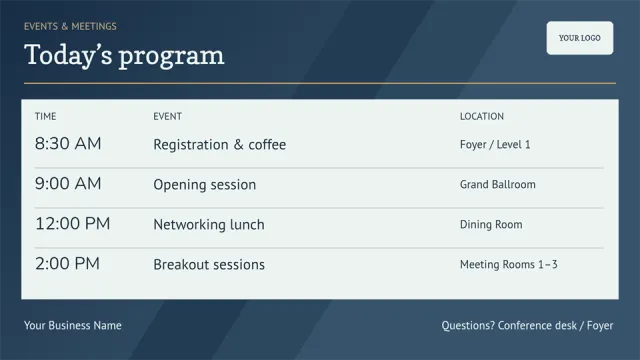 Hotels, lodging & tourismConference Program Schedule
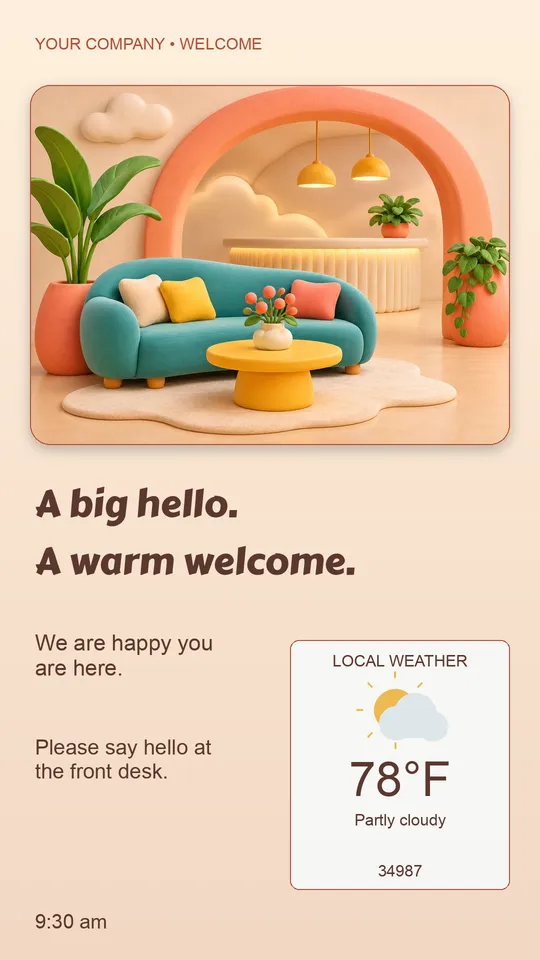 LobbyPlayful Hello Lobby Welcome
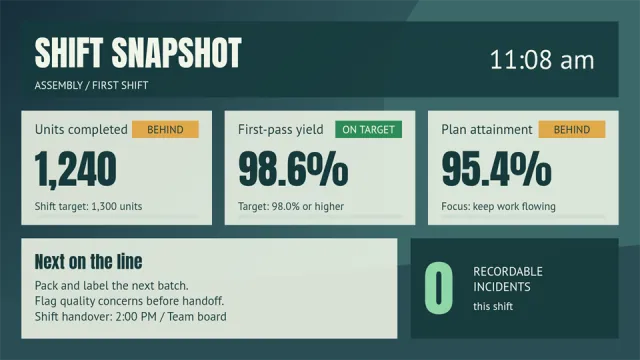 Manufacturing & industrialShift Production Dashboard
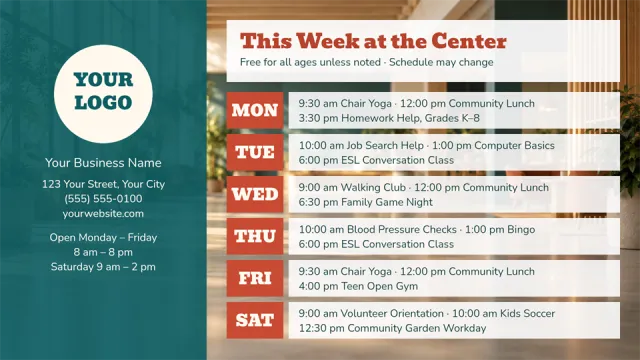 Nonprofits & community organizationsCommunity Center Weekly Schedule
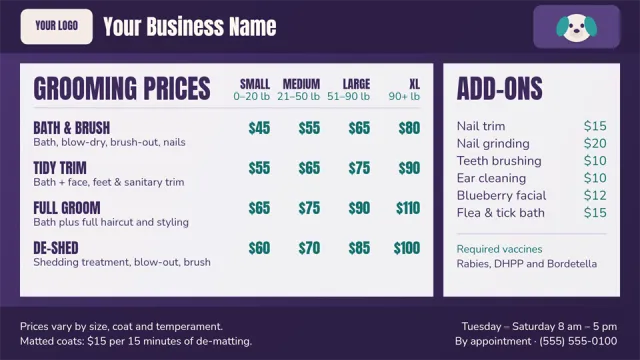 Pet & animal servicesPet Grooming Price List
 Pet & animal servicesAsk About Pet Toys
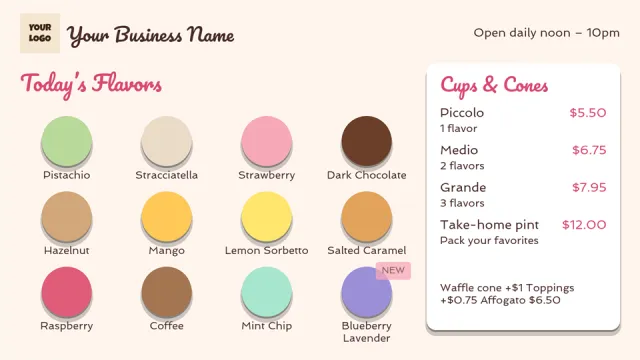 Restaurants, cafes & barsGelato Flavors Menu
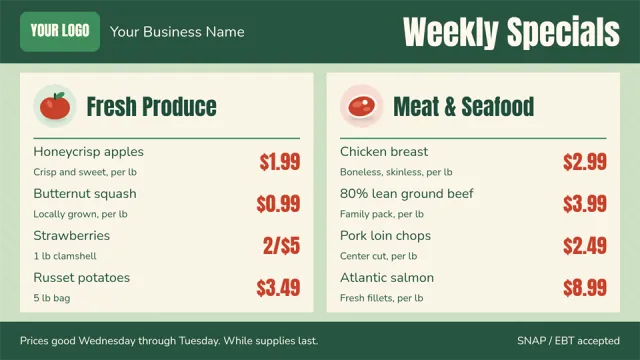 Retail & groceriesWeekly Grocery Specials
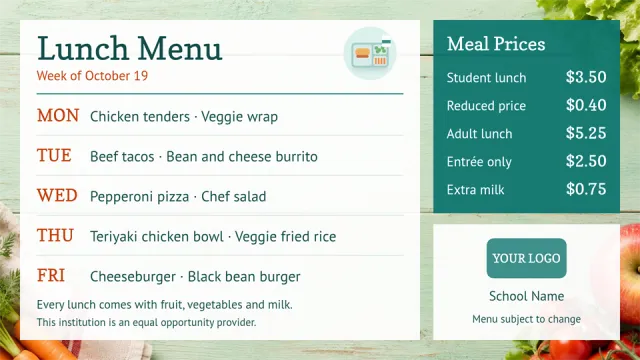 Schools & educationWeekly School Lunch Menu
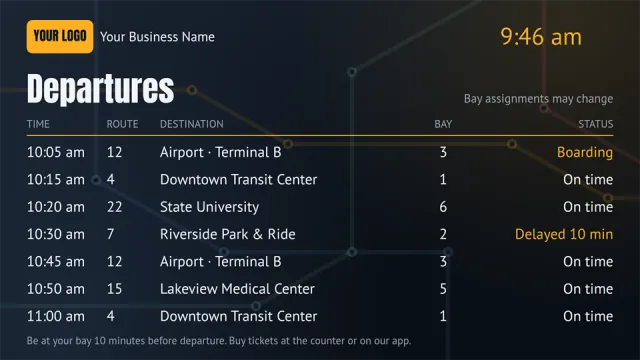 Transportation & logisticsTransit Departures Board
Templates by category
- Advertising, media & signage (4)
- Arts, entertainment & attractions (4)
- Automotive & vehicle services (24)
- Beauty, salons & spas (24)
- Building Directories & Wayfinding (24)
- Churches & religious organizations (24)
- Construction & property services (4)
- Dispensary (15)
- Finance & insurance (4)
- Fitness, sports & recreation (4)
- Food production & agriculture (4)
- Government & public services (4)
- Healthcare & senior living (28)
- Holiday (74)
- Hotels, lodging & tourism (4)
- Libraries (19)
- Lobby (12)
- Manufacturing & industrial (4)
- Nonprofits & community organizations (4)
- Pet & animal services (4)
- Professional & engineering services (4)
- Real estate & housing (17)
- Restaurants, cafes & bars (20)
- Retail & groceries (4)
- Schools & education (16)
- Technology & AV services (4)
- Transportation & logistics (4)
- Workplace and Human Resources (64)
More ways to design
Canva
Use thousands of Canva templates and stock images. Canva is a Quickesign widget available on the Standard plan and above.
Need help getting started?
Step-by-step guides cover adding zones, slideshows, text, and clocks to a layout.