


Quick and Easy Digital Signage

Turn Your TV into
a Digital Sign

Quickesign is a digital signage solution for Roku, GoogleTV, Android, FireTV, and Amazon Signage Stick

Schools, libraries, churches, restaurants, and offices are building professional displays using Quickesign. You can manage your content from anywhere and automatically update your displays. Plans start at just $6 per month for a single display.

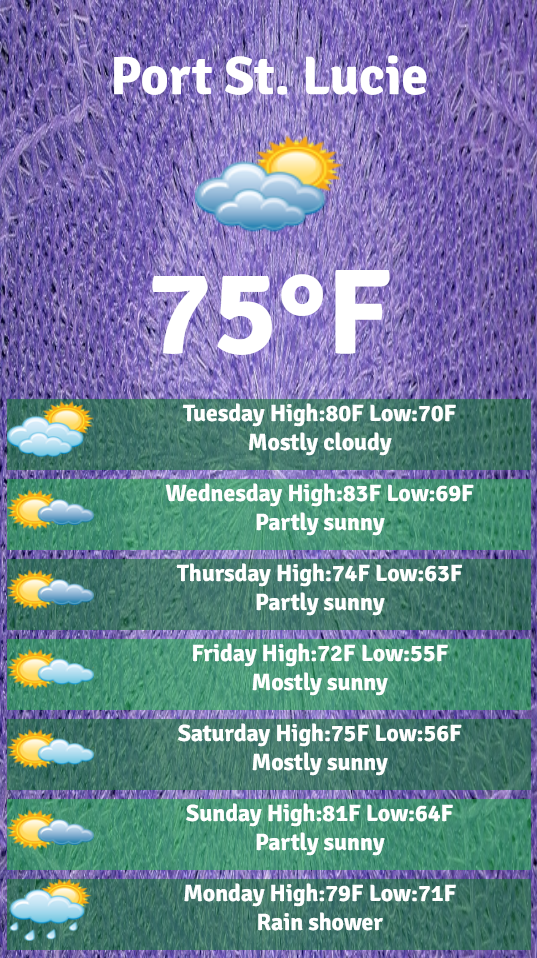
Displays can be a simple slideshow of images, or more engaging with sliding text, QR Codes, Instagram, videos, weather, MP3 music playlist, and more. You can schedule your playlist to automatically update at different times of the day. Enterprise users can add additional users to their account and give them permission to certain devices or scripts and receive text or email notices if a device is not updating.

  • Quickesign Sample Image

Requirements Here is what you need to get started
Television

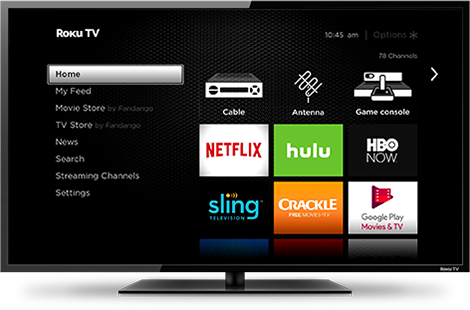
Quickesign is a TV app designed to display your content on any TV. A smart tv, such as a Roku TV, GoogleTV, or FireTV is a good choice.
Streaming Device

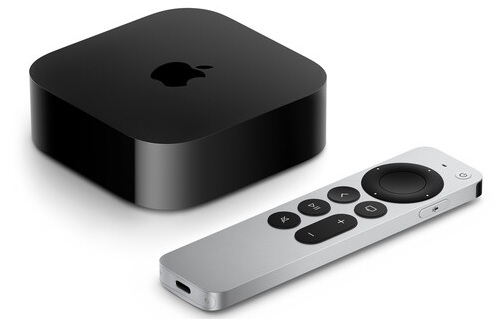
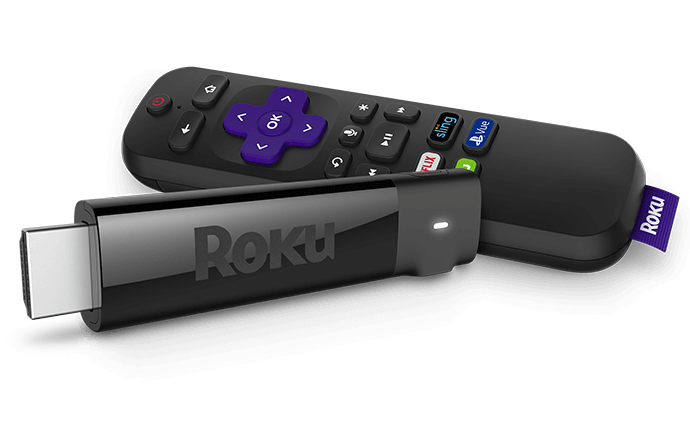
If your TV is not a smart Roku, Google, or Fire TV, you will also need a streaming device. Quickesign works with Roku Sticks, Amazon Signage Sticks and FireTV, Google TV/ Android TV, Apple TV, and LG WebOS devices.

Quickesign Account

An account at Quickesign.net is needed to manage your content. Log in from anywhere on your computer or phone to maintain your content.
Platforms

Roku is our most popular platform since there are many affordable options for smart tvs and streaming sticks. Other signage providers have a very scaled back set of features for Roku. Quickesign makes all widgets available on the Roku.
Why Roku  |  Setup Help  |  Get the App

You can download Quickesign to your GoogleTV or other Android device from the Google Play store.


Quickesign on Google Play

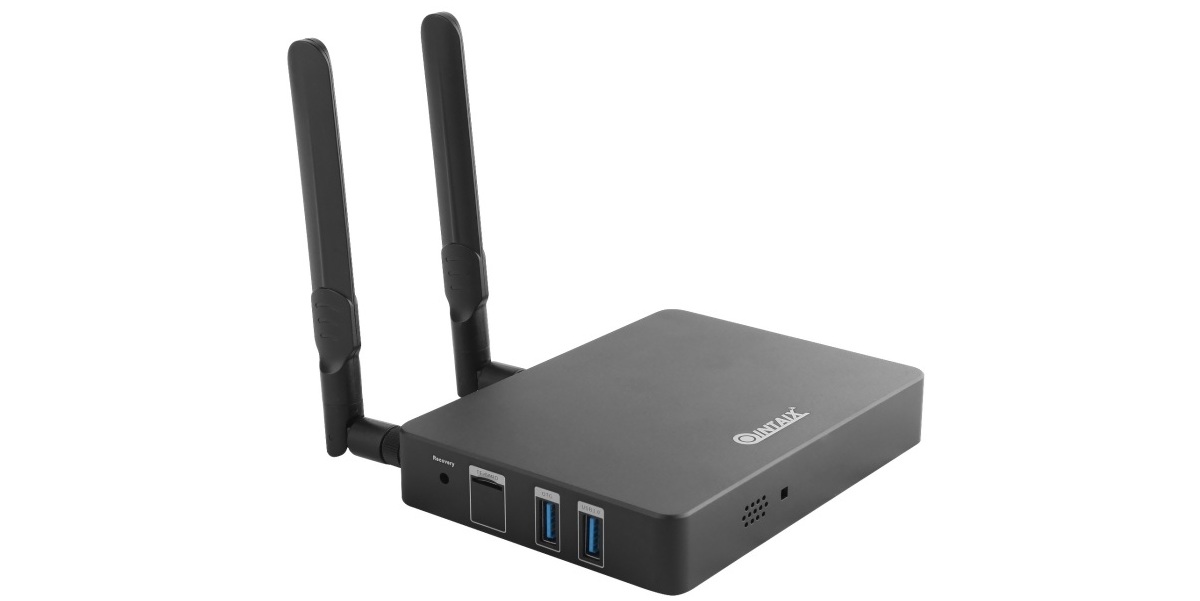
Quickesign is a CMS option for the Amazon Signage Stick. Designed for digital signage - auto-launches Quickesign in kiosk mode for unattended operation, increasing uptime without requiring user involvement.


Order from Amazon  |  More Info

Quickesign runs on Amazon FireTV including the smart tvs and sticks.


Get the App

Quickesign offers an enterprise level player suitable for demanding signage requirements. Great for applications that play bigger videos, need a very strong wifi, and require remote management.


More Info


Quickesign for Windows can provide a robust, enterprise level solution with great video support.

Download from Windows Store

Quickesign LG WebOS Signage (commercial) TVs. Commercial-grade displays built for 24/7 continuous operation in retail spaces, hotels, and offices. Quickesign is an affordable and robust CMS for the LG WebOS platform.


More Info


Quickesign has a native iOS app for Apple TV. All Quickesign features are available on this very robust solution including multizone layouts, all widgets and very robust 4k image and video support.


More Info

Pricing & Plans

Four affordables plans with large discounts are available for multiple screens and for annual payments. See Price Calculator

Light

Simple Fullscreen Displays

$6/month/screen

  • Cloud Based Content
  • Slide Shows
  • Vertical Layout Support
  • Automatic Layout Changes
  • Full Screen Videos
  • Full HD 1920x1080 display
  • Organize Displays by Location
  • Scheduled Slide Changes
  • TV Control Companion App
  • Very affordable option

No credit card required

Standard

Multizone Layouts, Content

$10/month/screen

  • All Light Features
  • Multi Zone Layouts
  • Digital and Analog Clocks
  • Scrolling Text, MP3 Audio
  • Powerpoint and PDF Support
  • Canva Widget
  • Quickesign Design Tools
  • Quick Check (fast update)
  • Quick Text Caption

No credit card required

Most Popular

Pro

Useful Apps/Widgets

$15/month/screen

  • All Standard Features
  • Weather and News Widgets
  • Facebook, Instagram Feeds
  • YouTube Videos
  • Calendar/Google Docs
  • Multiple Layouts Per Device
  • Alerts (weather, emergency..)
  • Smart QR Codes
  • Event List Widget
  • Famous Quotes

No credit card required

Enterprise

For Companies of All Sizes

$20/month/screen

  • All Pro Features
  • Enterprise Device Support
  • Multi-User Accounts
  • User level permissions
  • Device Monitoring Tools
  • Text Alerts
  • Large Video Support
  • Additional Reports


No credit card required

Customer Reviews

Our Testimonials

See Reviews on Capterra  |  See Reviews on G2

"Simple, functional, does everything I need, works great! "

June 9, 2026 5/5
Downloaded to TVs, signed into my account on my Mac, 5 min later TVs were showing my slides. Thumbs up!
Pros
Simple. Functional. I was running my slides on 2 screens in no time. Added at 3rd one today, everything simply works.

Cons
The UI is kinda simplistic, outdated. But then again, it works so I guess it's not really something to dislike.

Eugene B. Manager, Health, Wellness and Fitness

"Easy and Effective Digital Signage Solution. 5/5"

June 2, 2026
My overall experience with QuickESign has been very positive. It is easy to use, saves time, and makes it simple to create and manage professional-looking digital signage.

Pros
QuickESign is easy to use and makes it simple to turn any TV into professional digital signage. I like that content can be updated quickly and the templates help create clean, attractive displays.

Cons
There is not much I dislike. It can take a little time at first to learn all the settings and features, but after that it is easy to use.

Mariusz D IT Manager, Automotive

"Turnkey Digital Display Solution for Our Real Estate Office" 5/5

May 30, 2026
Our overall experience with QuickESign has been excellent. We use it as a digital display in our real estate office, Sea Glass Properties, and it has made it easy to keep our screen updated with professional marketing content. We download our automatic marketing designs from our website and upload them directly to the screen. The setup was fast, simple, and stress-free, and the customer service was excellent. It was the turnkey solution we were looking for.

Pros
What I liked most about QuickESign was how easy and turnkey it was to use. We were able to turn a regular Roku TV sideways and use it as a professional display screen for our real estate office. Other apps we tried either did not work well or were too complicated, but QuickESign was simple and had us up and running in about 3 minutes. I also appreciated the excellent customer service.

Cons
Honestly, there was very little that I disliked. The product worked exactly as we needed it to. If I had to mention one thing, it would be that I wish we had found QuickESign sooner after trying other options that were more difficult to use. If I have to say one thing, it would be that the video processing for the Roku app is just okay.

Andrew G. Office Manger, Real Estate


Quickesign TV Control

Control all of your TVs from a companion app. Features:


TV Control - More Info

frequently asked questions

QuickESign: Smarter Digital Signage Made Simple

QuickESign is a powerful digital signage platform designed to help you manage and display dynamic content across TVs, monitors, kiosks, and more. With an intuitive content management system (CMS), you can easily organize, schedule, and publish media tailored to your audience. Whether you're sharing announcements, promotions, dashboards, or interactive experiences, QuickESign gives you full control. Update messages in real time, build custom playlists, and manage screens remotely—all from one centralized dashboard. Seamless integrations with workplace tools, data feeds, and social media make it easy to keep your content fresh and relevant across multiple locations and devices.

YES! Roku is an incredibly affordable and stable option for signage. There are a few things that must be done to make sure you can run your display as a dedicated screen.

  • - Turn off the Roku Bandwidth Saver

  • - Use the QESIGN screensaver app if you are not playing videos

  • - Optionally - Use the free Quickesign TV Control companion app. This can schedule tvs to be turned off and on and monitor the screen to make sure Quickesign is running.

  • - Use Quickesign for content management. Quickesign is the only platform that fully supports Roku.

The light plan is a very affordable option at just $6/month and will meet your needs if you just need a simple, fullscreen display with images or videos. It also lets you schedule automatic content changes.

The standard plan gives you multizone layouts which allow you to divide the screen into zones so you can have more than one slideshow playing, a clock, and formatted text. It also gives you the Quick Check feature which allows you to push changes quickly to the screen.

The pro plan gives you widgets with dynamic content like weather and rss news feeds.

Enterprise gives you access to the enterprise player, multiuser permissions, and email or text notifications.

QuickESign makes it easy to create, manage, and schedule eye-catching content—from graphics and messages to videos—across screens connected via the internet. Our cloud-based platform gives you full remote control over your digital signage network, whether you're managing one screen or hundreds across multiple locations. With support for a wide range of file formats, you can mix and match content types to design displays that reflect your brand and meet your goals. Built for businesses of all sizes, QuickESign helps you deliver the right message at the right time—whether you're showcasing promotions, sharing meeting schedules, or broadcasting internal updates to your team.

We have four plans from light to enterprise. Paying annually gets you 2 months free. We also have a big discount for multiple screens. Please see the price calculator for full details.

We are based in Florida and have dedicated servers located in Texas and Florida.