
Workplace digital signage
Office Digital Signage for Employee Communication
Reach every employee, including the ones who never open the company email. Share news, HR reminders, goals, and celebrations on break room and office TVs.
From $6 per screen per month. No credit card required for the free trial.
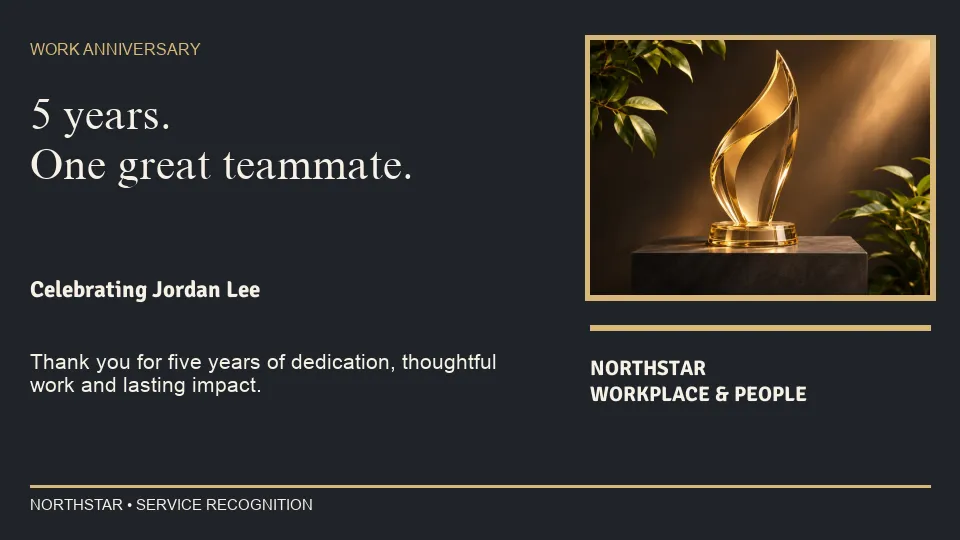
Quickesign is workplace digital signage software for internal communication. HR, operations, and office managers publish company news, benefits reminders, safety messages, and live dashboards to the TVs around the office, and update them from one cloud dashboard.
What to put on your screens
Company news
Announcements, leadership messages, new hires, and policy updates that everyone should see.
HR and benefits reminders
Open enrollment dates, training deadlines, holiday schedules, and wellness programs.
Goals and dashboards
Show sales, service, and production numbers with the Power BI widget.
Recognition
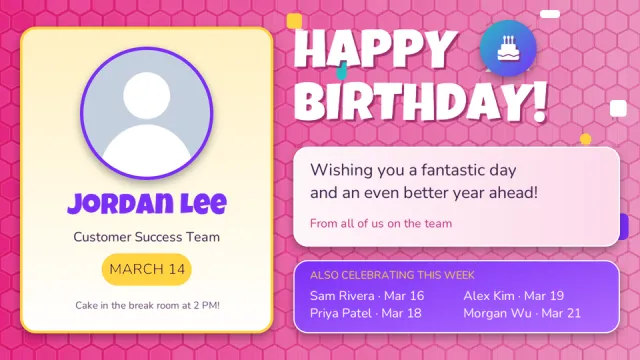
Work anniversaries, birthdays, employee of the month, and team wins.
Safety messages
Safety reminders, days without an incident, and what to do in an emergency.
Events and meetings
Company events, town halls, and the day’s schedule from a Google or Outlook calendar.
Workplace templates, ready to edit
Start from a layout made for employee communication: HR reminders, safety messages, celebrations, and company news. Add your logo and your own words.
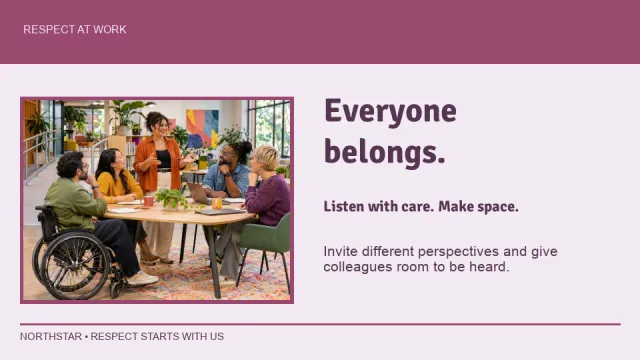
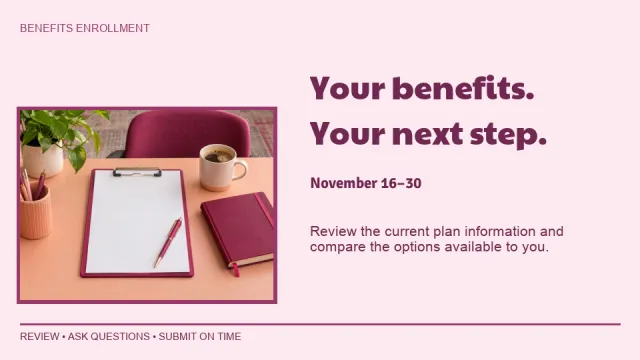
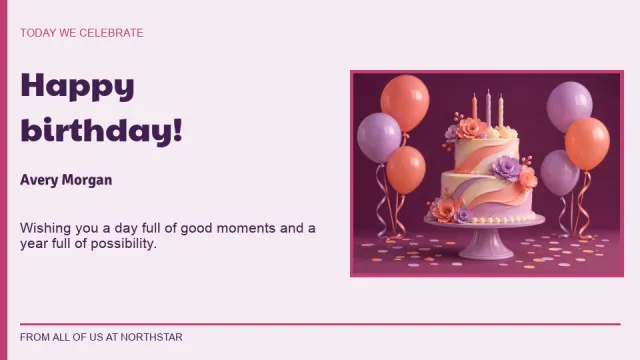
Where offices put their screens
- Break rooms and kitchensNews, reminders, and recognition
- ReceptionA welcome message for visitors and the company story
- Sales and support floorsLive numbers and goals
- Production and warehouse areasSafety messages and shift information
- Hallways and elevatorsEvents and short announcements
- Remote officesThe same company news at every location
Simple to run, easy to afford
Update from anywhere
Change any screen from a web browser or the mobile admin app. No USB sticks and no trips to the TV.
Schedule it once
Set layouts to start and stop by date and time, so the right content is showing without anyone remembering to switch it.
More than a slideshow
Divide the screen into zones for pictures, video, text, a clock, and the weather, and add widgets such as calendars, QR codes, and Instagram.
Design it your way
Start from a template, upload your own images and videos, or design with Canva.
Use the TVs you have
Quickesign runs on low-cost streaming devices and smart TVs. There is no special player to buy.
One screen or hundreds
Manage every screen and every location from one dashboard, with discounts for multiple screens.
Up and running in four steps
Create your account
Start a free trial. No credit card is required.
Pick a template
Choose a layout and add your own words, pictures, and colors.
Connect your TV
Install the Quickesign app on your TV or player and pair it with your account.
Publish
Send your layout to the screen and update it whenever you like.
Frequently asked questions
Can we show Power BI dashboards on office TVs?
Yes. The Power BI widget displays your reports and dashboards on any Quickesign screen, alone or next to other content.
Can each department manage its own screens?
Yes. The Enterprise plan adds multiple user logins with different permissions, so each department or location can manage its own screens.
Can we run the same content in several offices?
Yes. All screens are managed from one dashboard. Publish a company announcement to every office at once and keep local content for each location.
How much does Quickesign cost?
Plans start at $6 per screen per month, with discounts for annual payment and for multiple screens. You can try every plan during the free trial, and no credit card is required.
What hardware do I need?
A TV and a supported player. Quickesign runs on Roku, Amazon Fire TV and the Amazon Signage Stick, Google TV and Android TV, Apple TV, LG webOS, and Windows, so you can use affordable devices or TVs you already own.
How do I update my screens?
Sign in to the Quickesign dashboard from any web browser, make your change, and publish. Your screens update over the internet, wherever they are.