
Split-flap display
Turn your TV into a split-flap message board
The flip and clatter of a classic airport departure board, on the TV you already have. Type your messages, pick how long each one stays, and watch them flip into place.
Included with the Standard, Pro, and Enterprise plans. No credit card required for the free trial.
See Split-Flap in action
A short look at a Quickesign split-flap board playing on a TV.

What to put on a split-flap board
Anything short enough to read at a glance looks better when it flips.
Welcome boards
Greet visitors, guests, and new hires by name on the lobby TV, then flip to the date, the weather, or the next message.
Menus and tap lists
Flip beer names, daily specials, and today’s oysters into place beside your prices and descriptions.
Events and schedules
List this week’s services, classes, story times, or meetings like departures on a station board.
Directories
Point people to rooms, floors, and desks with a board that looks at home in any lobby.
Deals and announcements
Rotate offers, reminders, and good news. Each message stays up for as long as you choose.
Room and status boards
Show which study rooms, bays, or tables are open, and change a line from your phone when it changes.
Split-flap templates, ready to edit
Start from a layout that already has a split-flap board, then change the words to your own.
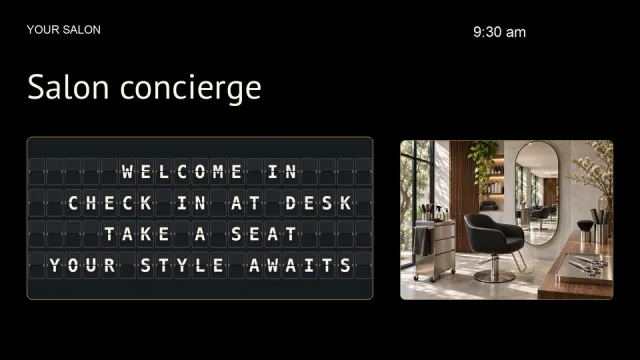 Salon Concierge Split-Flap
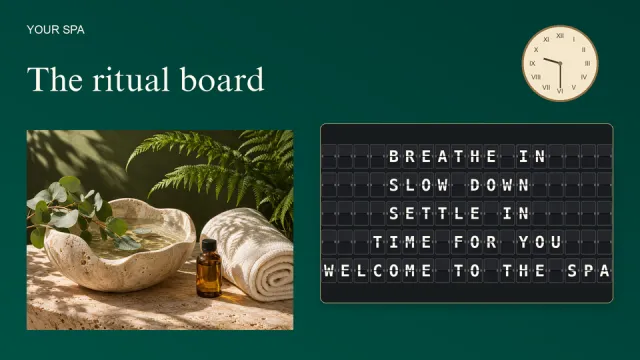 Spa Ritual Split-Flap Board
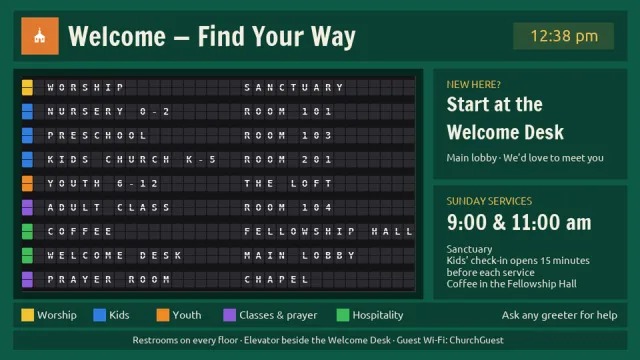 Church Split-Flap Directory
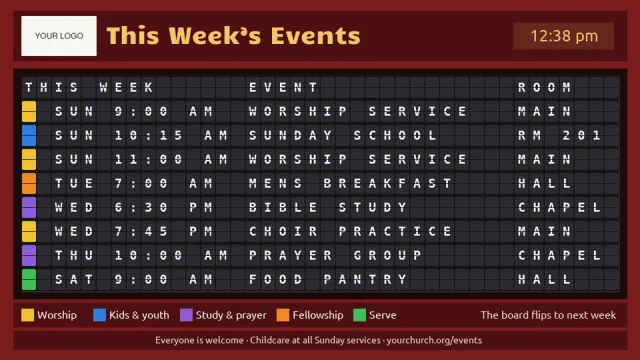 Church Events Split-Flap Board
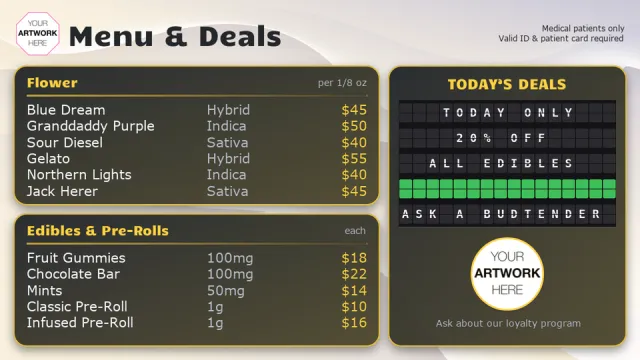 Dispensary Menu with Split-Flap Deals
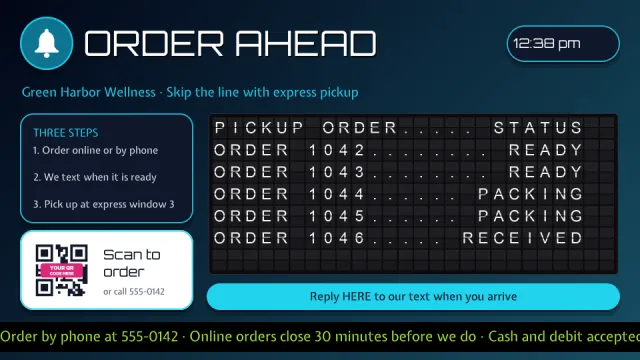 Order Ahead Pickup Page with Split-Flap Order Status Board, QR Code Spot, Clock and Ticker
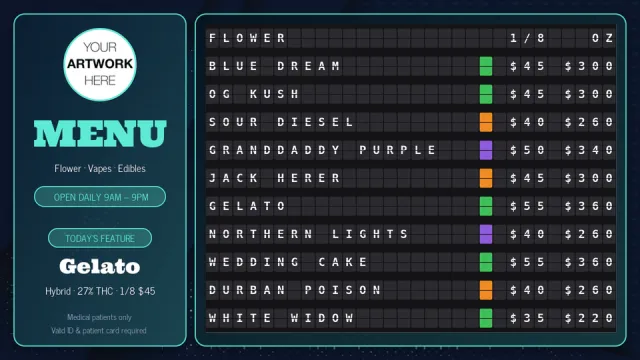 Split-Flap Dispensary Menu
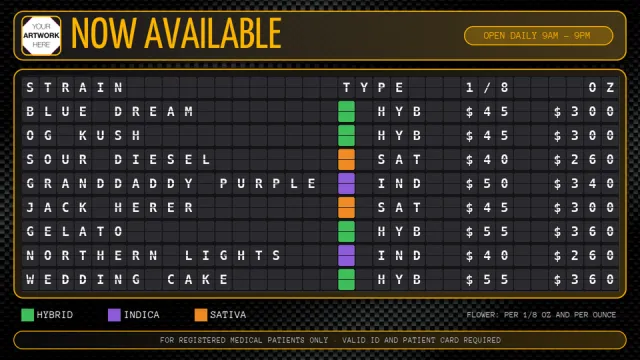 Split-Flap Cannabis Menu Board
A message board with character
Flips like the real thing
Each message flips onto the board in turn, and only the tiles that change turn over, just like a station departure board.
Color tiles
Type a short code such as {R} or {G} in your text to drop in a solid red, orange, yellow, green, blue, violet, or white tile.
Optional flap sound
Turn on Flap clatter to hear the tiles turn, or leave the sound off for a quiet room.
Sized to fit
Tiles are made as large as the zone allows while every message still fits. A new line in your text starts a new row.
Your timing
Add as many messages as you like and set how many seconds each one stays on the board.
Part of your layout
A split-flap board is a text zone, so it sits beside your pictures, video, clock, weather, and widgets on the same screen.
Set it up in four steps
Add a text zone
Open a multizone layout, or start from a split-flap template, and select the text zone.
Choose Split-Flap
Open Effects and set Format to Split-Flap. Turn on Flap clatter if you want the sound.
Add your messages
Open Details, add each message as a paragraph, and set how many seconds it stays.
Save and preview
Save the layout and open Preview to watch your messages flip.
Frequently asked questions
What is a split-flap display?
A split-flap display is the mechanical board once found in airports and train stations, where each letter is a stack of flaps that turn over to spell a new message. Quickesign recreates the look and the motion on any TV, so you get the board without the hardware.
Do I need a special screen or a mechanical board?
No. Split-Flap is a text style inside a Quickesign layout. It plays on an ordinary TV with any Quickesign player.
Which players support Split-Flap?
Split-Flap plays on every Quickesign player: Roku, Fire TV, the Amazon Signage Stick, Google TV, Apple TV, LG webOS, and Windows.
Which plans include Split-Flap?
Split-Flap is included with the Standard, Pro, and Enterprise plans. It needs a multizone layout with a text zone. You can try it during the free trial, and no credit card is required.
Which characters can the board show?
The board shows the letters A to Z, the numbers 0 to 9, and common punctuation and symbols such as ! @ # $ & % and the degree sign. Other characters show as blank tiles.
Can I mix a split-flap board with other content?
Yes. The board is one zone of a multizone layout, so the rest of the screen can show a slideshow, video, clock, weather, a menu, or widgets.
How do I change the messages?
Open the layout in a web browser, edit the paragraphs in the text zone, and save. The screen picks up the change. Scrolling is turned off for a split-flap zone, because the board flips instead.