
Gym digital signage
Digital Signage for Gyms and Fitness Studios
Show today’s classes, membership offers, personal training, and member news on the TVs at the front desk and on the gym floor.
From $6 per screen per month. No credit card required for the free trial.
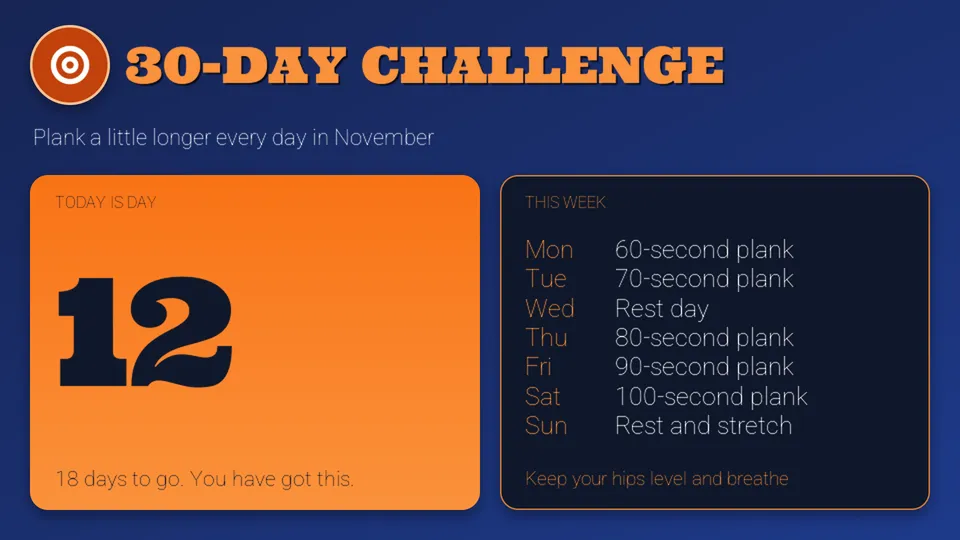
Quickesign is digital signage software for gyms, yoga and fitness studios, and recreation centers. Staff update class schedules, promotions, and announcements from a web browser, and the TVs around the building follow.
What to put on your screens
Class schedules
Post today’s classes, instructors, and rooms, or show them from a Google or Outlook calendar.
Membership offers
Promote sign-up specials, referral rewards, and upgrades where prospects and members see them.
Personal training
Introduce your trainers and advertise introductory sessions and packages.
Drop-in activities
List open gym, pool, and court times so members can plan their visit.
Check-in instructions
Welcome guests with what to do first, studio rules, and the Wi-Fi name.
Motivation and news
Share challenges, member milestones, new equipment, and holiday hours.
Fitness templates, ready to edit
Start from a layout made for gyms and studios. Add your logo, your classes, and this month’s offer.
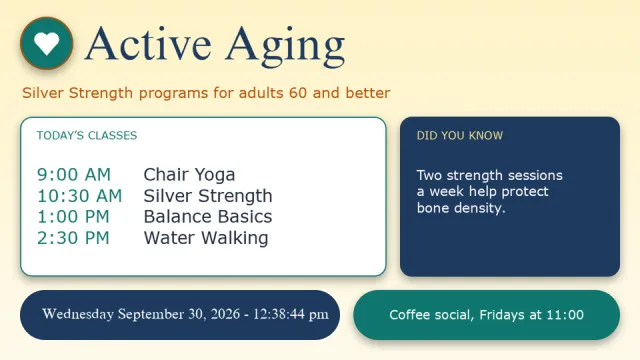
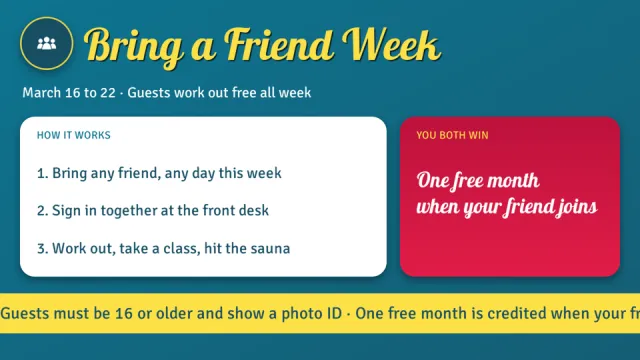
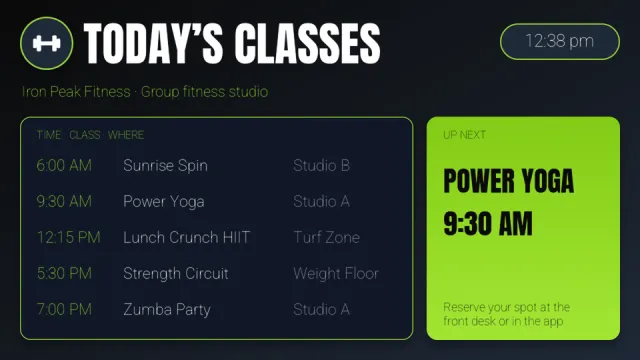
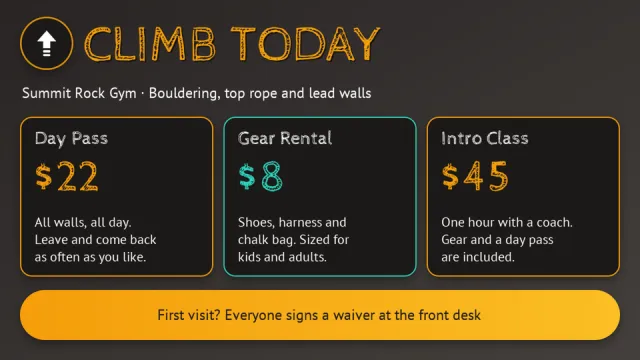
Where gyms put their screens
- Front deskWelcome message, offers, and check-in instructions
- Gym floorClass schedule, challenges, and motivation
- Studio entrancesThe next class and its instructor
- Locker room hallwayHours, reminders, and facility news
- Smoothie bar or shopMenu, prices, and retail products
- Pool and courtsOpen times, lessons, and league schedules
Simple to run, easy to afford
Update from anywhere
Change any screen from a web browser or the mobile admin app. No USB sticks and no trips to the TV.
Schedule it once
Set layouts to start and stop by date and time, so the right content is showing without anyone remembering to switch it.
More than a slideshow
Divide the screen into zones for pictures, video, text, a clock, and the weather, and add widgets such as calendars, QR codes, and Instagram.
Design it your way
Start from a template, upload your own images and videos, or design with Canva.
Use the TVs you have
Quickesign runs on low-cost streaming devices and smart TVs. There is no special player to buy.
One screen or hundreds
Manage every screen and every location from one dashboard, with discounts for multiple screens.
Up and running in four steps
Create your account
Start a free trial. No credit card is required.
Pick a template
Choose a layout and add your own words, pictures, and colors.
Connect your TV
Install the Quickesign app on your TV or player and pair it with your account.
Publish
Send your layout to the screen and update it whenever you like.
Frequently asked questions
Can we show a class schedule?
Yes. Type the schedule into a layout, or use the calendar widget to show classes from a Google or Outlook calendar. The screen updates when the calendar changes.
Can the screens change during the day?
Yes. Layouts can be scheduled by date and time, so morning classes, evening classes, and weekend hours show at the right time.
Can we manage more than one location?
Yes. Every screen at every location is managed from one dashboard. Send an offer everywhere or give each club its own content.
How much does Quickesign cost?
Plans start at $6 per screen per month, with discounts for annual payment and for multiple screens. You can try every plan during the free trial, and no credit card is required.
What hardware do I need?
A TV and a supported player. Quickesign runs on Roku, Amazon Fire TV and the Amazon Signage Stick, Google TV and Android TV, Apple TV, LG webOS, and Windows, so you can use affordable devices or TVs you already own.
How do I update my screens?
Sign in to the Quickesign dashboard from any web browser, make your change, and publish. Your screens update over the internet, wherever they are.