
Date and Time Zones
Date/time is a type of zone that can be added to a multizone layout. This is added by clicking the Date/Time icon located under Add Zones.
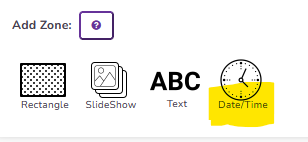
Once added, there are many options for you this will be displayed. Quickesign uses the date and time of your device (such as the Roku). If your time is incorrect, you may need to check the time zone in the Roku settings.
Types of Clocks:
Just the time 11:30:45 am
Short Time 11:30am
With long date Monday January 4, 2026 11:30:45
With short date 1/5/2026 - 11:30:45
Analog (12 clock face options)
Next Topic