
Quick Caption
The feature allows you to add a text message / caption to an image in your slideshow. (standard plan required)
After uploading an image, you will see a button under the slide with a T:
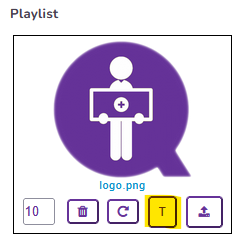
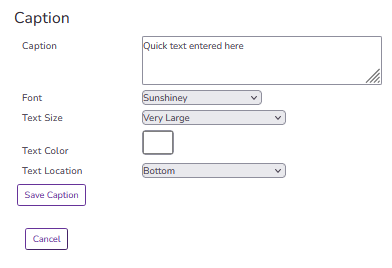
Clicking this will open the Quick Caption widget which lets you add text, format the font, and select the location:
Here is a sample with the caption shown at the bottom of the image:

Next Topic