
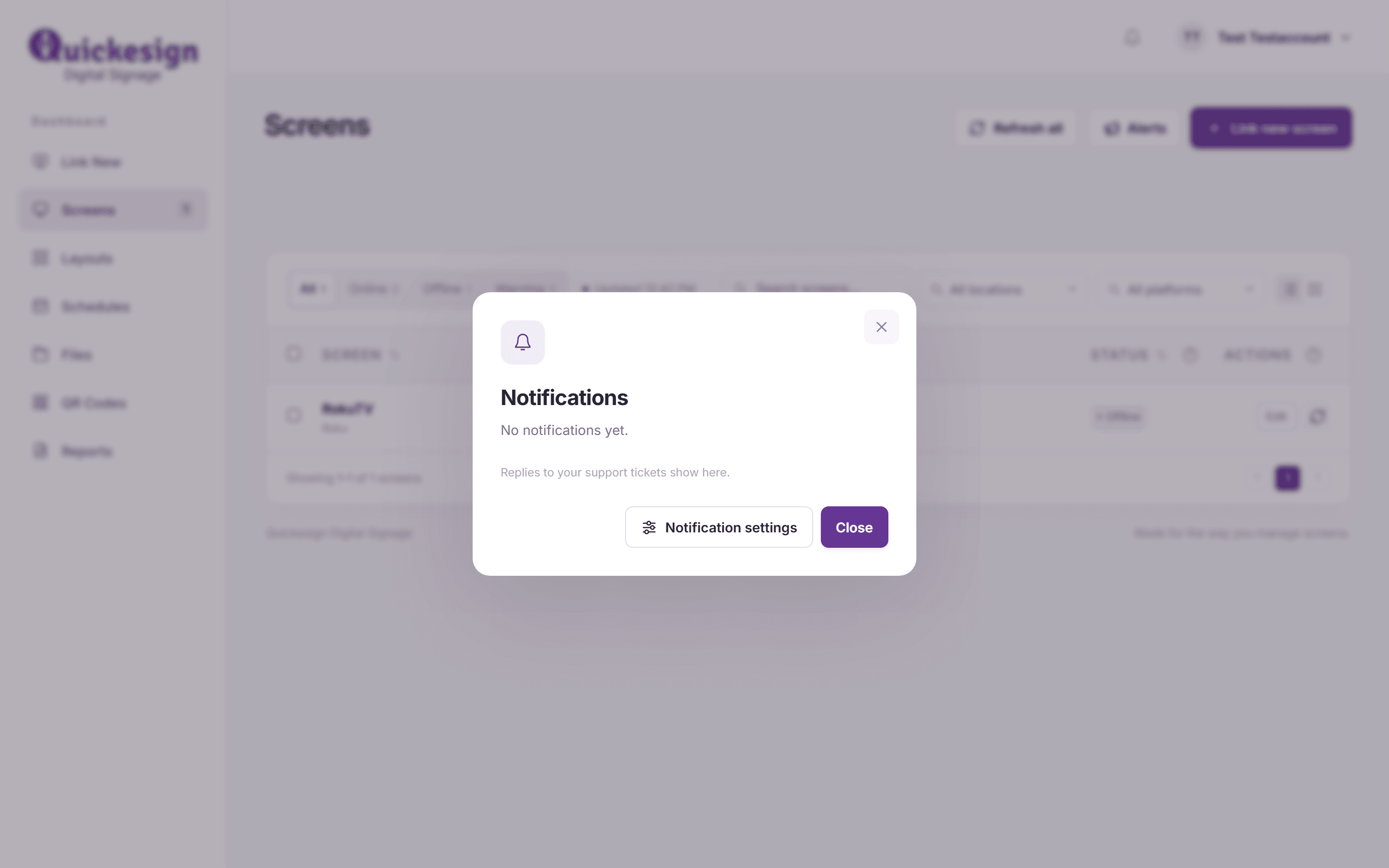
The bell at the top of the dashboard shows replies from Quickesign to your support tickets. A dot on the bell means you have something you haven’t read.
What you’ll need
- A Quickesign login. To ask a question, see Getting More Help.
Steps
-
Click the bell in the top right, next to your name. The Notifications window lists the newest first, with the unread ones marked new. With nothing there yet, it says replies to your support tickets will show here.
-
Click a reply to open its ticket under Help & support, where you can read the whole answer and reply. Opening it marks it as read. Mark all as read clears the dot without opening them.
-
Notification settings in the same window sets up emails or texts when a screen goes offline (Enterprise plan; see Offline Screen Notifications).

What’s next
Getting More Help: open a support ticket.