
Show an image or video that is stored on another website, using its direct link. When the file at that address changes, your screen shows the new version.
What you’ll need
- The Pro plan or higher.
- A public link that goes straight to a PNG, JPG or MP4 file (not to a web page that shows it).
Steps
-
Open the layout (for a multizone layout, open the slideshow zone’s Details), click the Widgets tab and click External Link.
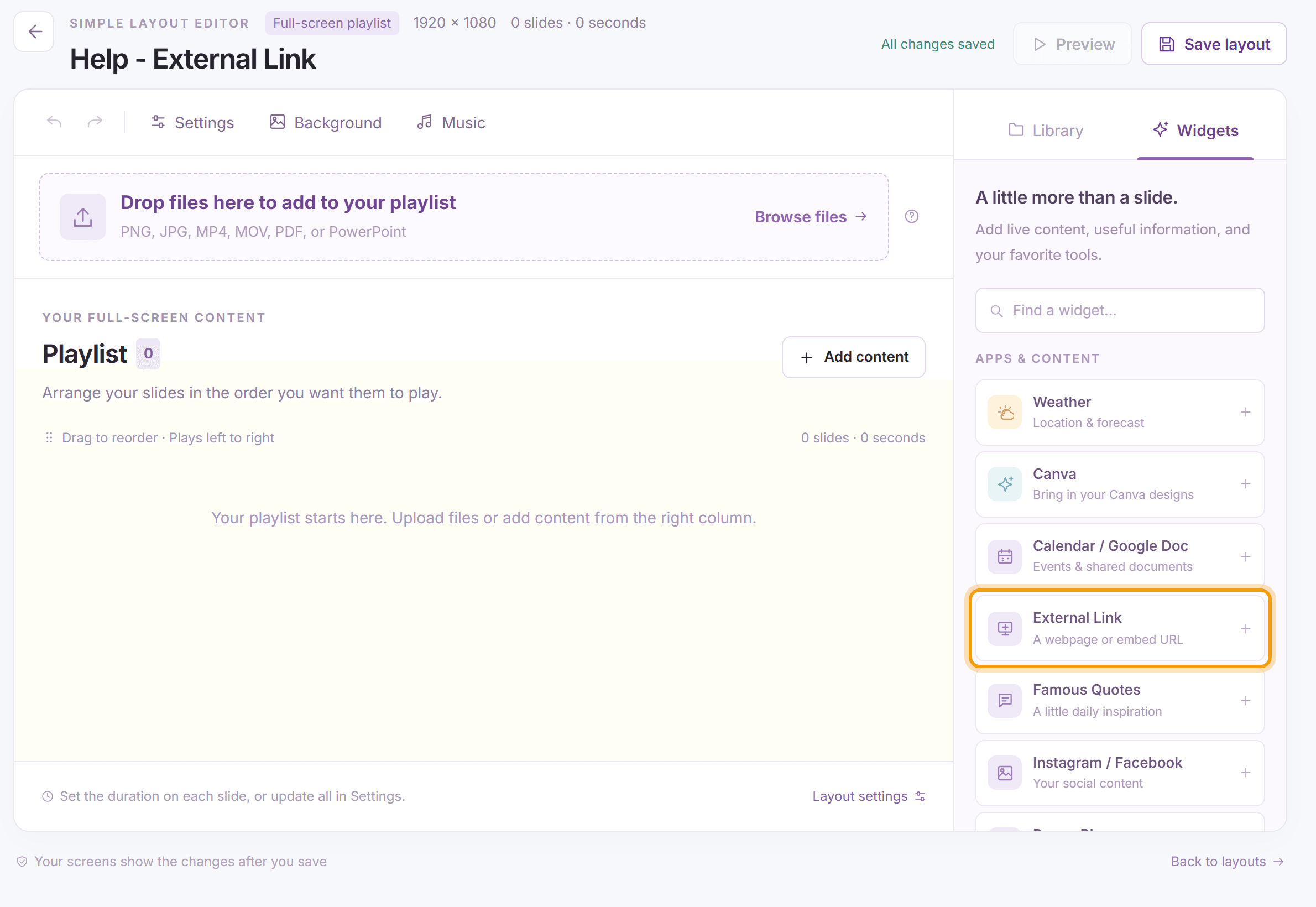
-
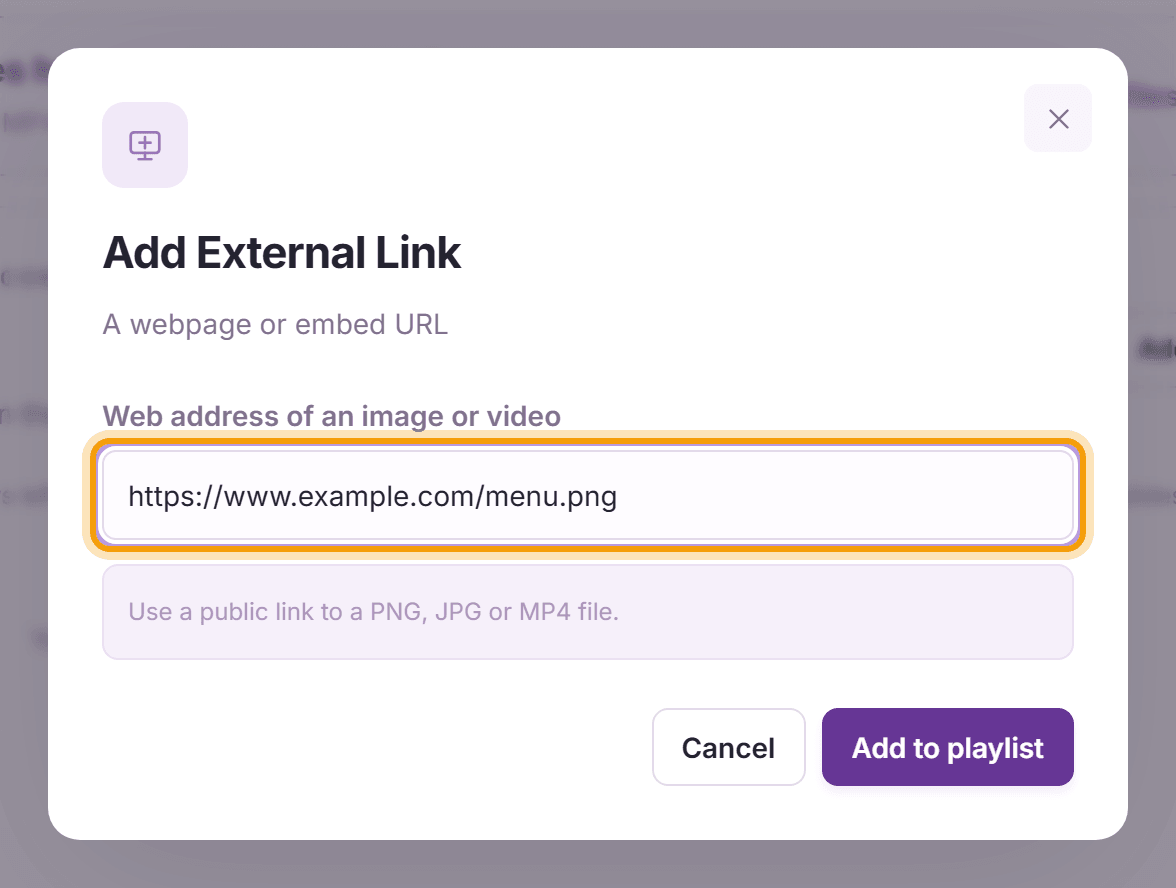
Paste the link in Web address of an image or video, click Add to playlist, then Save layout.


What’s next
Webpage Snapshot: show a whole web page instead of a single file.