
Show the latest posts from a public Instagram or Facebook page, with or without their text.
What you’ll need
- The Pro plan or higher.
- The address of a public Instagram or Facebook page, such as https://www.facebook.com/Quickesign/.
Steps
-
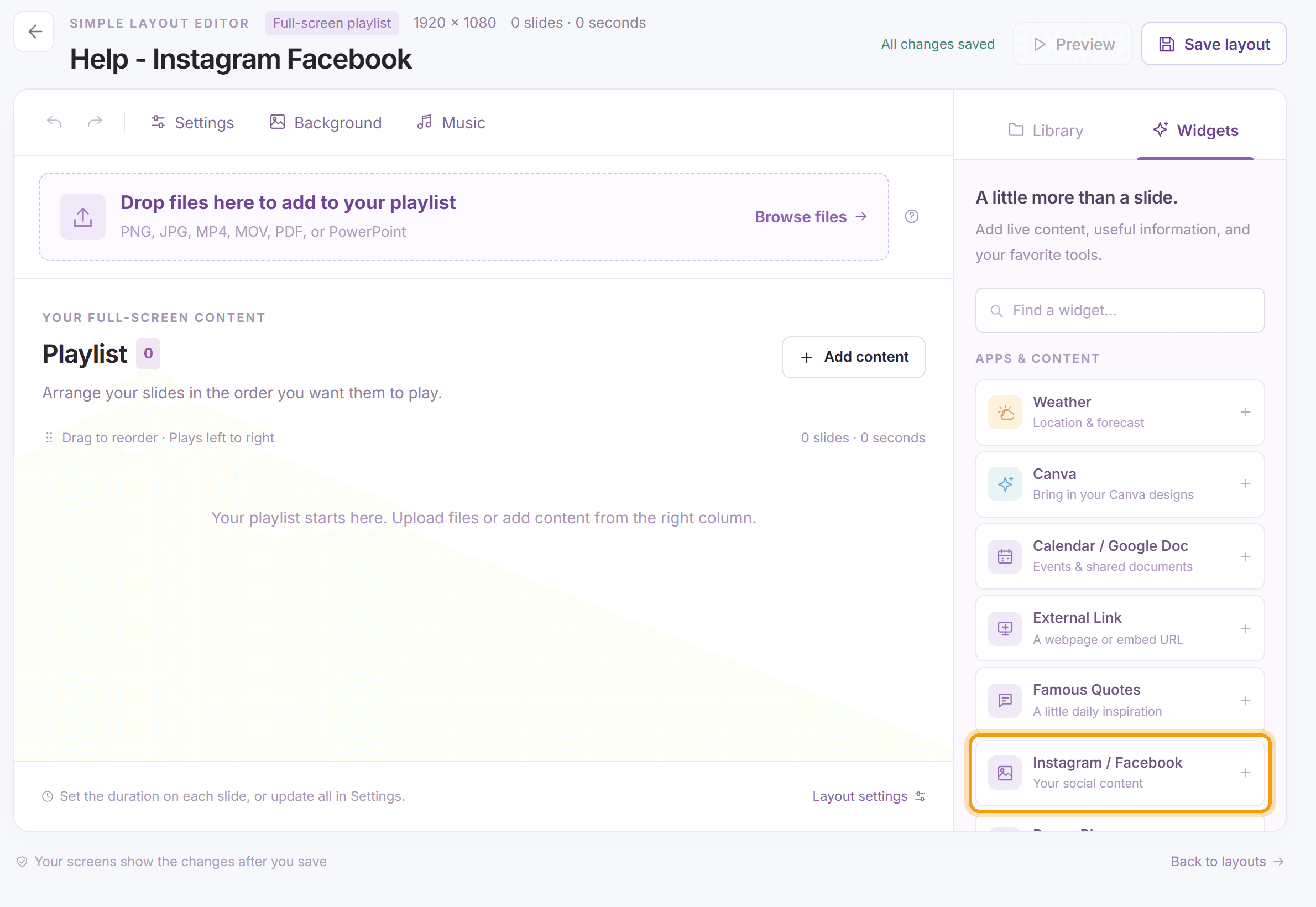
Open the layout (for a multizone layout, select the slideshow zone and click Details on the bar above it), click the Widgets tab and click Instagram / Facebook.
-
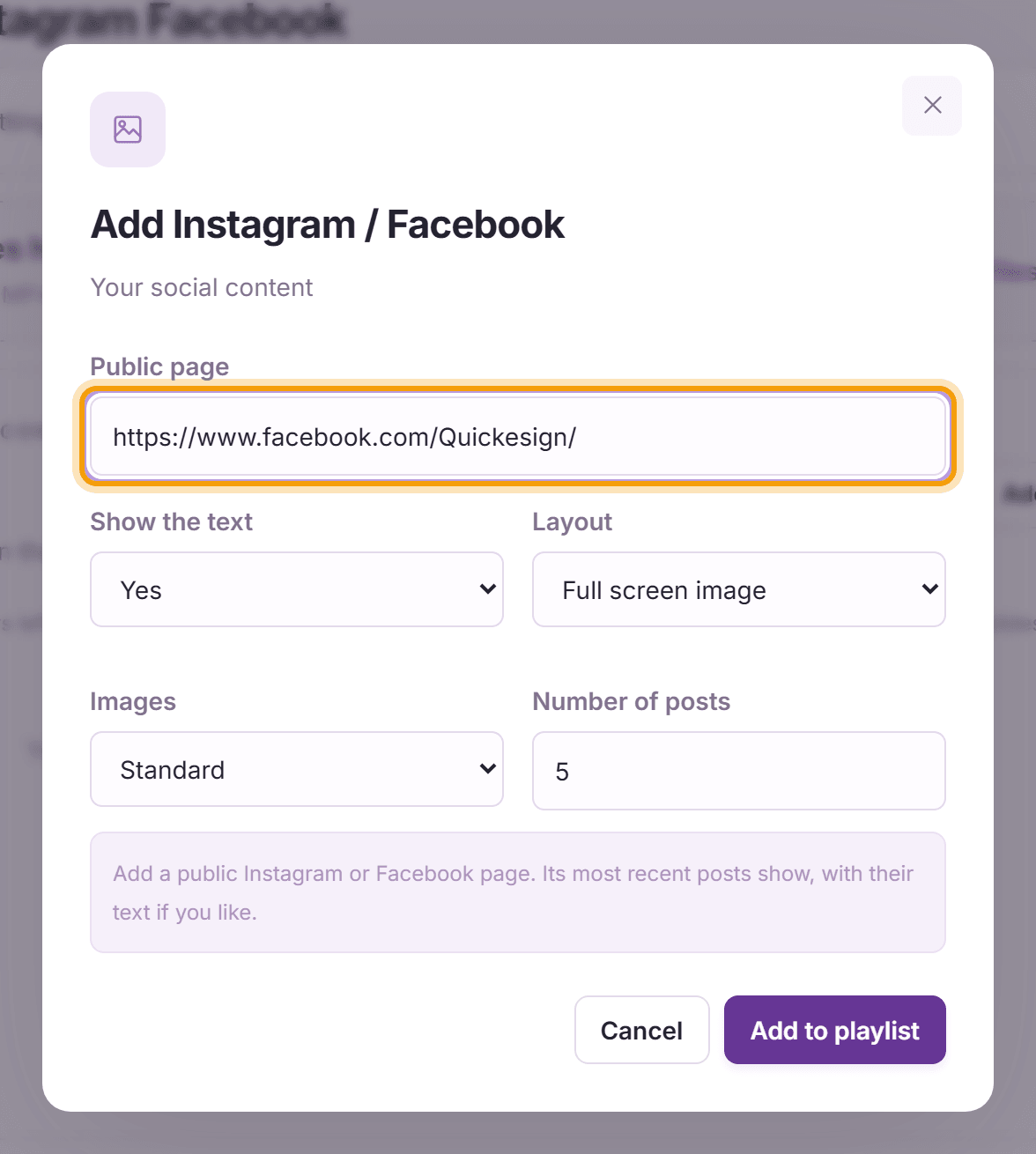
Enter the Public page address and choose:
- Show the text: Yes or No.
- Layout: Full screen image, or Image to the right with the text beside it.
- Images: Standard, or Zoom to fill to cover the whole slide.
- Number of posts: how many recent posts to show.
Click Add to playlist, then Save layout.
-
Each post shows as its own slide. Here is a post with its text below the image:


What’s next
Famous Quotes: add a little inspiration to your screen.