
Play a public YouTube video as a slide by pasting its link.
What you’ll need
- The Pro plan or higher.
- A player that supports YouTube. Roku players do not play YouTube videos in Quickesign; upload the video file instead.
- The video’s link: copy it from the address bar, or click Share under the video and copy the short link (such as https://youtu.be/V8uzfKQYiyY).
Steps
-
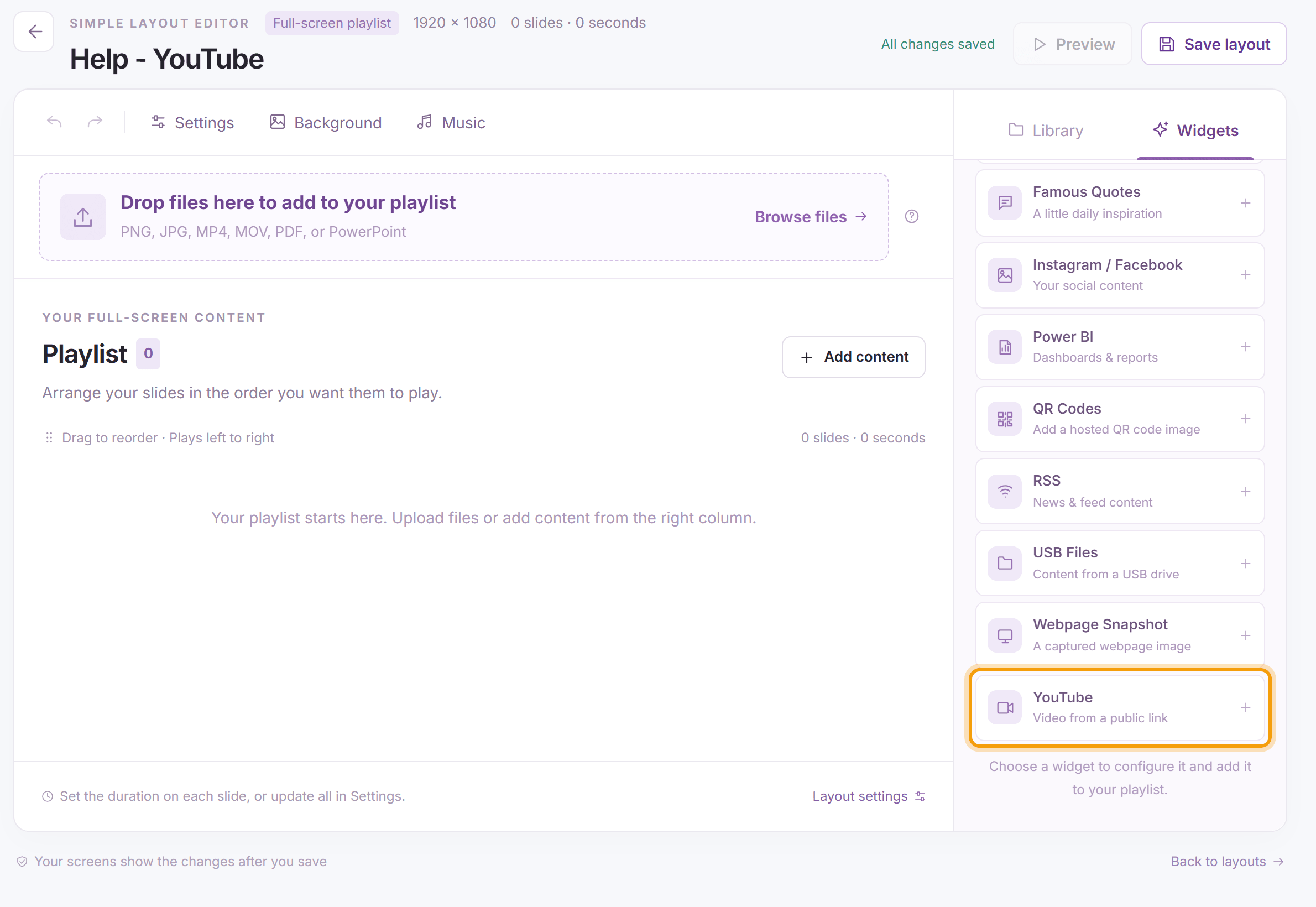
Open the layout (for a multizone layout, select the slideshow zone and click Details on the bar above it), click the Widgets tab and click YouTube.
-
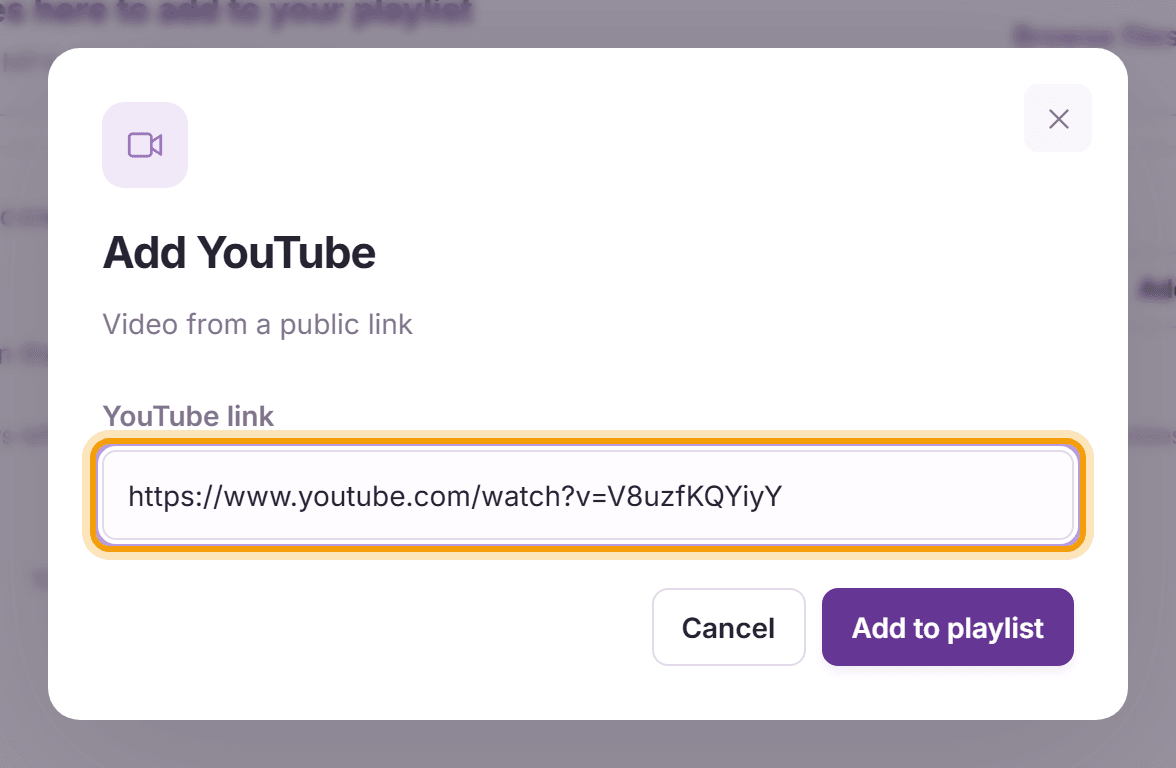
Paste the link in YouTube link, click Add to playlist, then Save layout.


What’s next
USB Files: play large videos on a Roku from a USB drive.