
Turn a news or blog feed into slides, from a list of popular feeds or any RSS address.
What you’ll need
- The Pro plan or higher.
- For your own feed, its RSS address (it often ends in /rss or /feed).
Steps
-
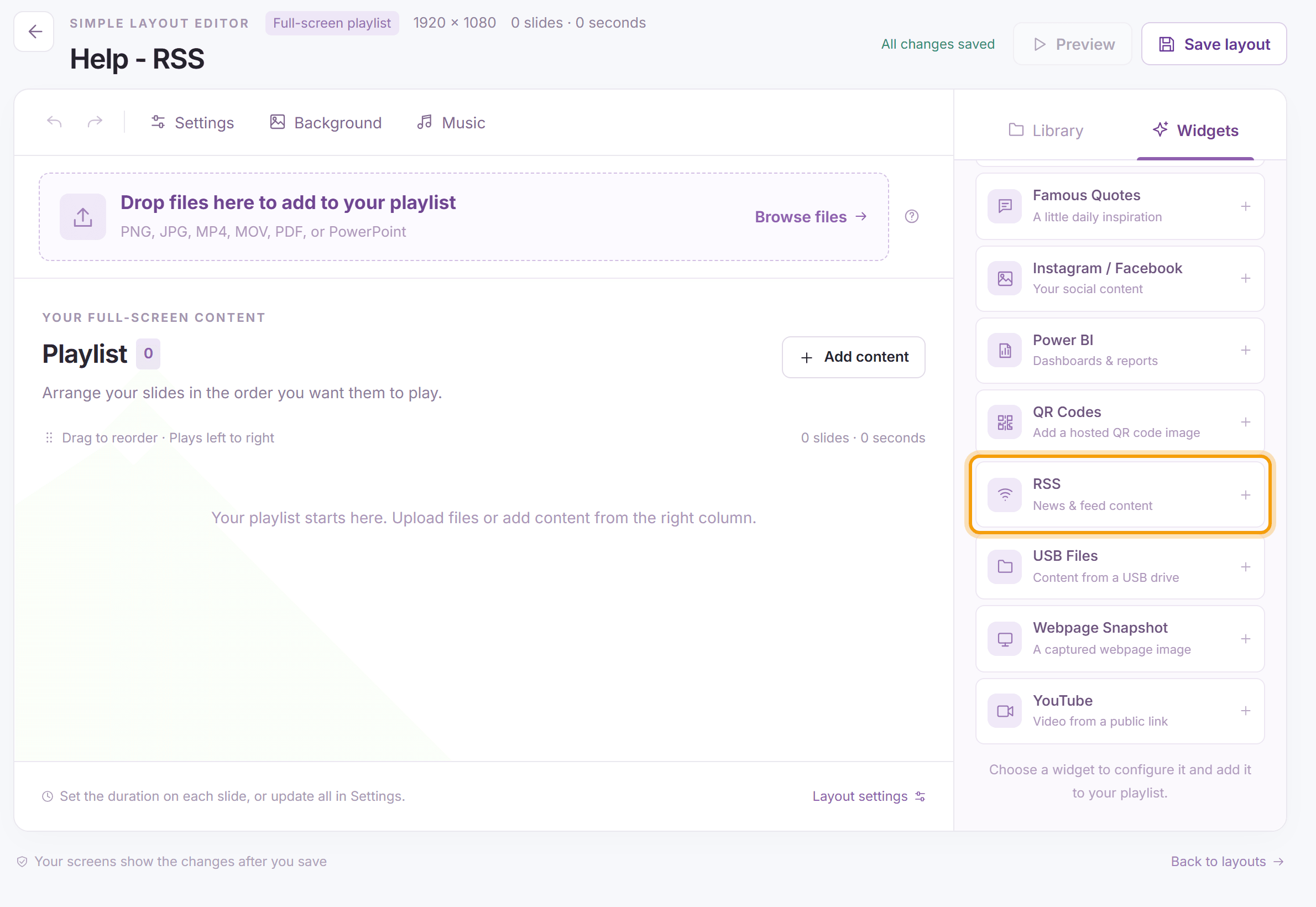
Open the layout (for a multizone layout, select the slideshow zone and click Details on the bar above it), click the Widgets tab and click RSS.
-
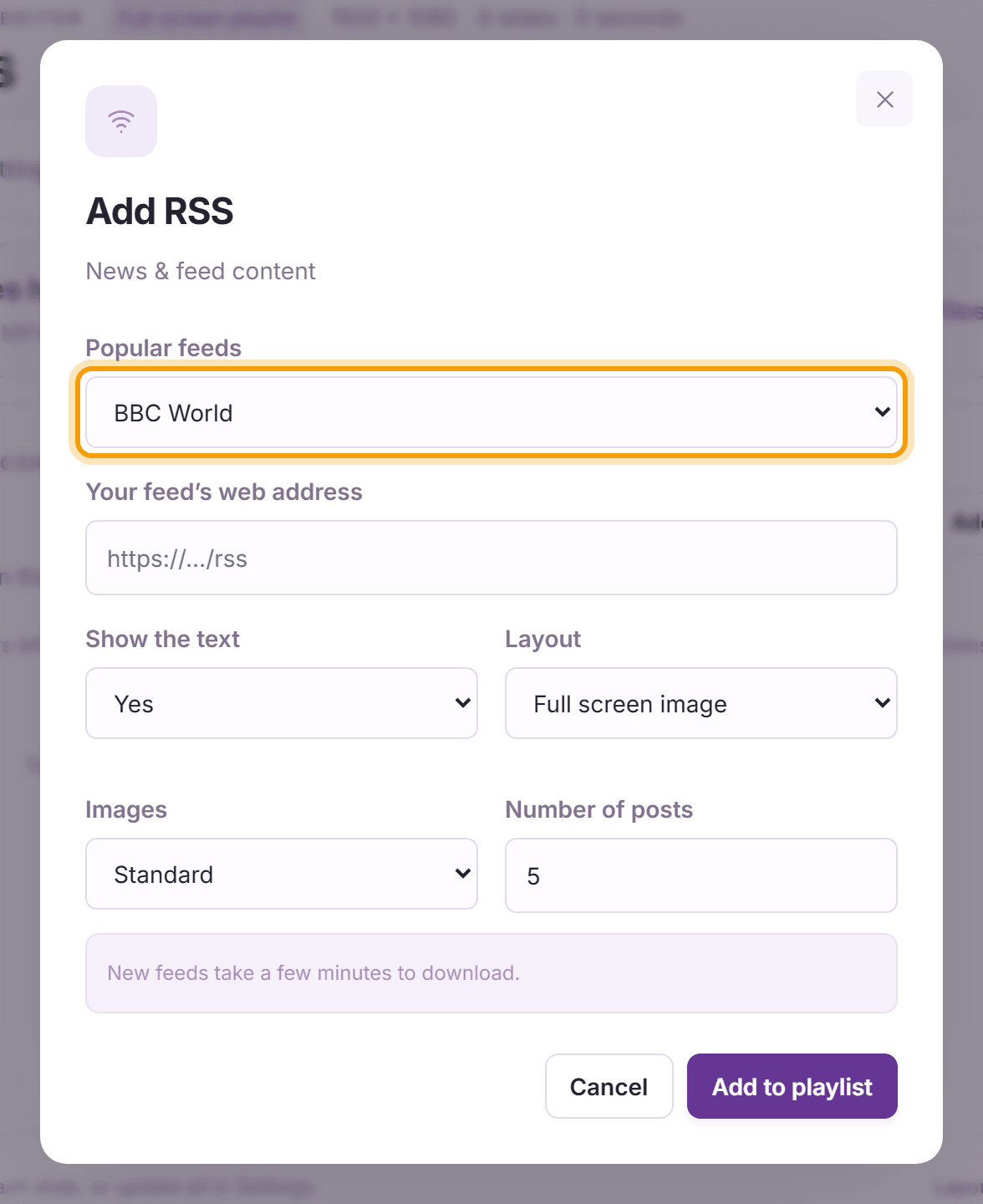
Choose one of the Popular feeds, or choose Use my own feed below and enter Your feed’s web address. Then set Show the text, the Layout (Full screen image or Image to the right), Images (Standard or Zoom to fill) and the Number of posts. Click Add to playlist, then Save layout. New feeds take a few minutes to download.
-
Each article shows as its own slide, with its picture and, if you chose to show it, its text:


Tip: For a scrolling news line instead of slides, add the feed to a text zone. See Text Zones.
What’s next
Facebook and Instagram: show your latest social posts.